
Platform Connections that keepsthe work moving.
Conteenua uses platform connections to give users social accounts, blogs, repos, and destinations linked to the asset that needs them. It is designed to stay inside the same asset workspace instead of forcing the user through a separate setup maze.
Try Conteenua: type a thought, problem, or goal and see it turn into structure.
Start with a plain request
Write what you want in normal language. Conteenua turns it into an asset workspace with the right structure already visible.
See what makes it grow
The formula panel shows what increases value, where the bottleneck is, and what concrete action should happen next.
Keep moving from the same screen
Create, improve, connect, schedule, publish, search, and monetize without scattering the work across disconnected pages.
Platform Connections without leaving the asset
The feature supports the current asset, shows visible state, saves what changed, and keeps the next action in the same workspace.
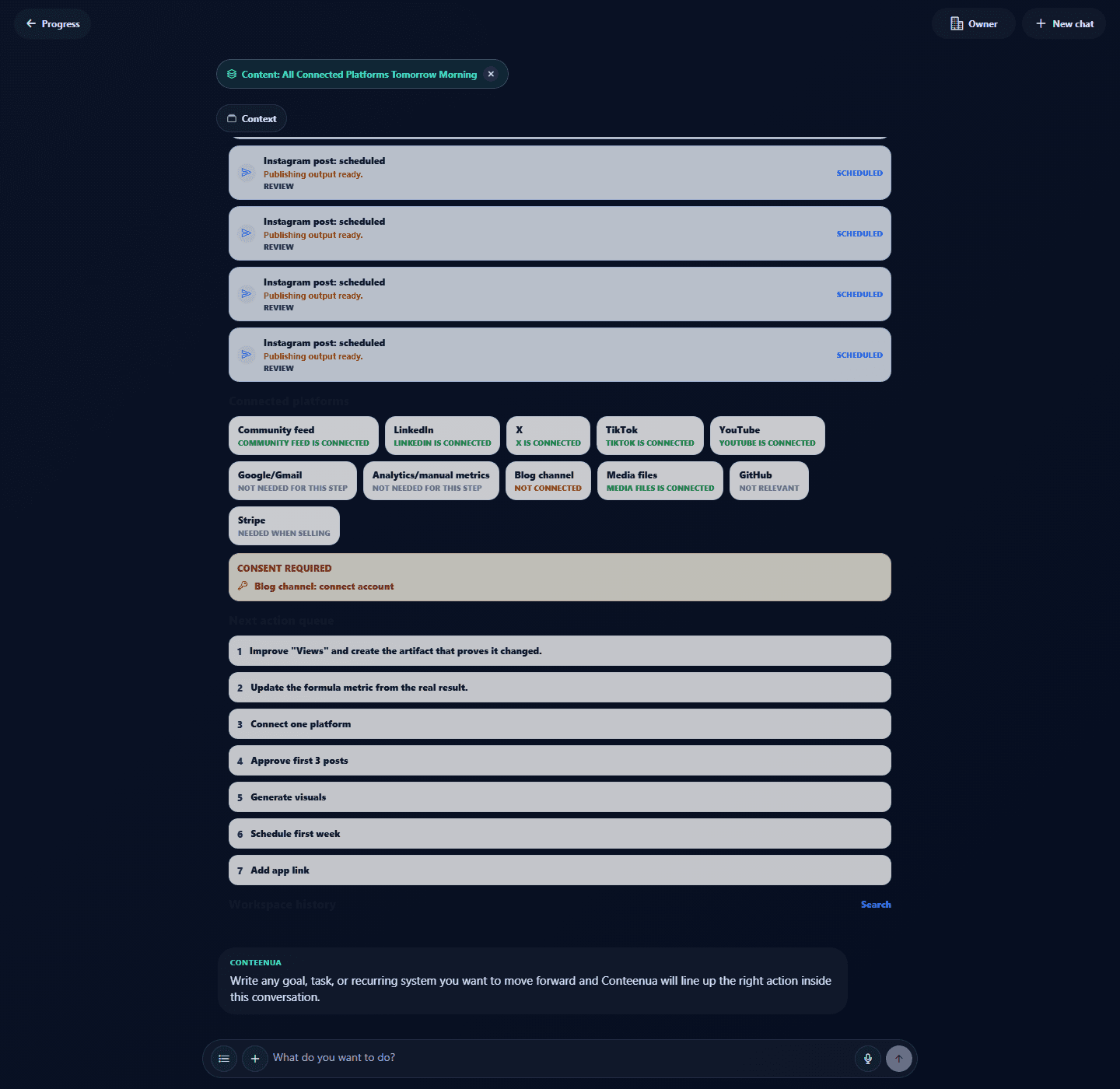
A real asset workspace with publishing cards, connected platforms, and next actions in one screen
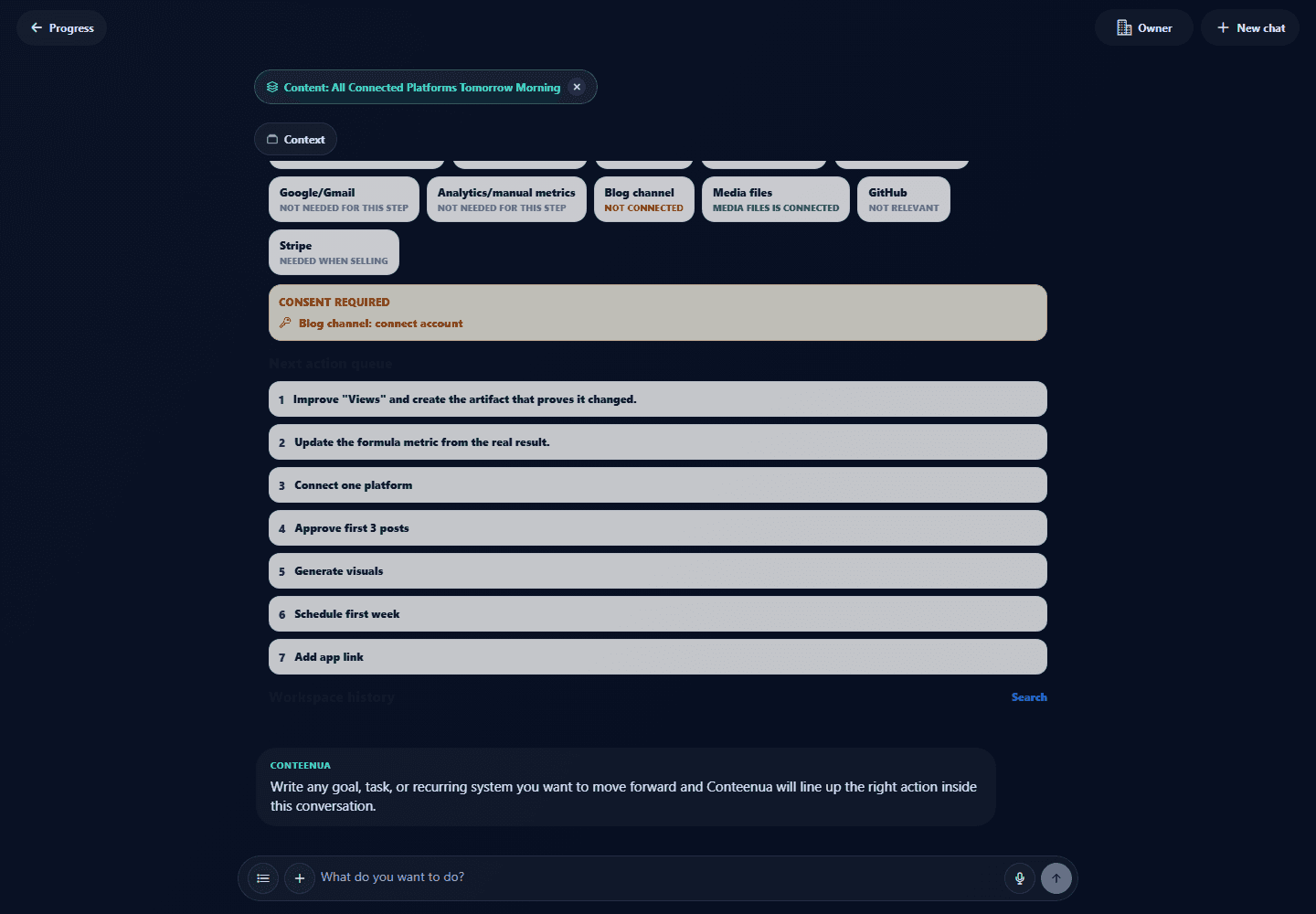
The bottom composer stays available while the asset, approvals, and history remain visible
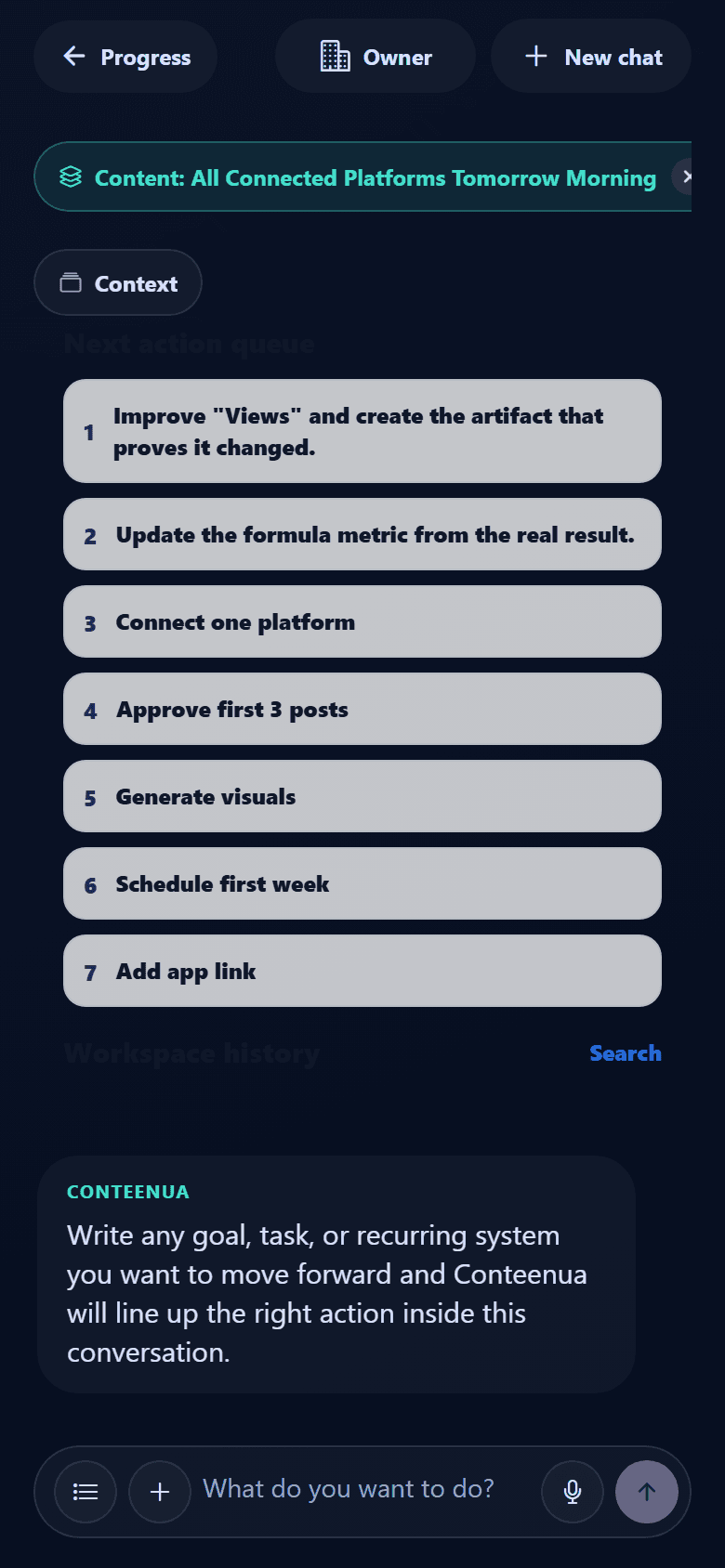
The same one-screen flow works on mobile without turning into a maze
What changes for you
Less setup, more action
The user does not need to understand the app structure first. They can ask for the outcome, and Conteenua uses platform connections where it helps.
- The asset has a clear workspace instead of living as a vague note.
- The next action is visible, specific, and tied to value growth.
- Platforms, files, people, schedules, and proof stay connected to the work.
- Returning later starts from saved progress instead of from zero.
Why people stay with it
Designed for continuity
When the user returns, the feature state is still connected to the asset, its outputs, and the history around it.
Create
Turn the request into a visible object.
Improve
Use the formula to raise value.
Sell
Connect the action to monetization.
Use Platform Connections in Conteenua
Open the app, write the request in the bottom field, and continue from the one-screen workspace.