 Conteenua
Social Context
Schedule one platform or several from natural language, including relative times and dependencies. Exact copy stays exact; optional AI can draft or adapt copy.
NOTES THAT CAN ACT WHEN YOU ASK
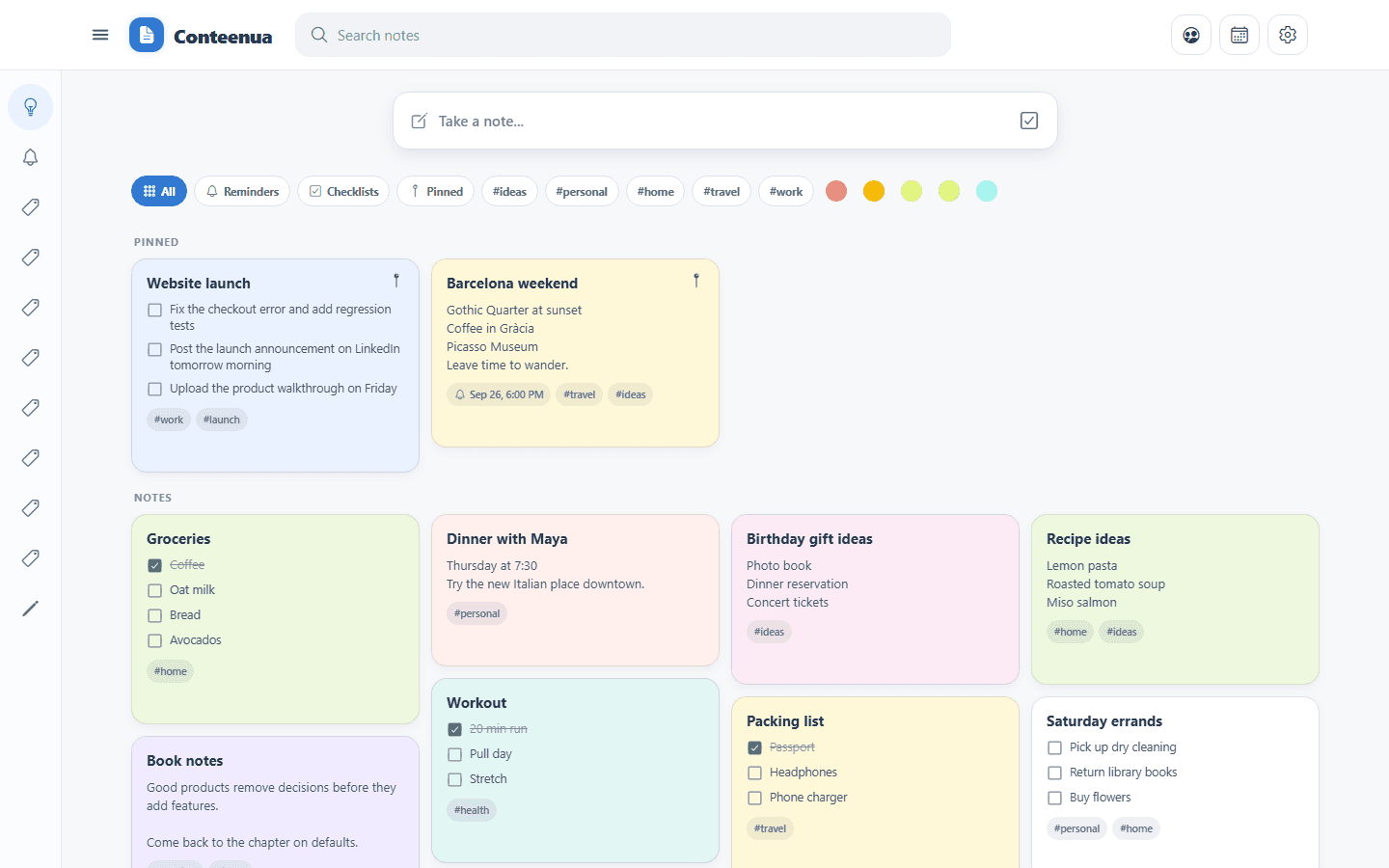
Capture notes, checklists, reminders, labels, and media without setup. Attach the relevant account or repository once. When a row becomes actionable, its checkbox is the command: click it to do what you wrote.
THE EVERYDAY PART
Write without choosing a project or configuring a workspace. Find notes with search and Keep-style Labels built directly on your tags. Pin, color, remind, reorder, or attach an image or video only when it helps.
ATTACH CONTEXT ONCE
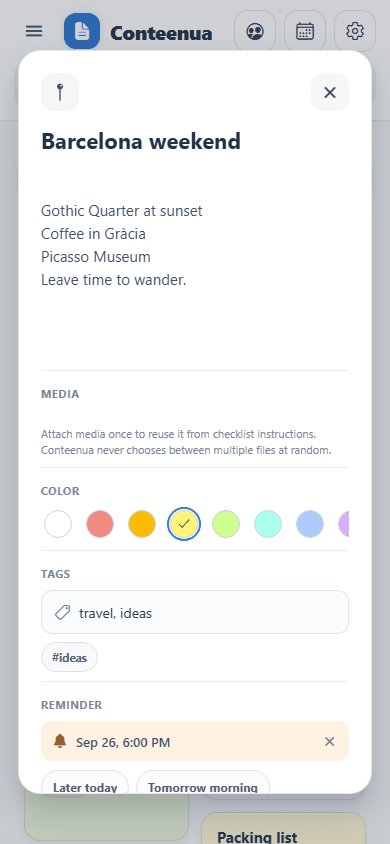
Attach social accounts, destinations, or GitHub repositories to the note where the work belongs. Then write naturally—in any language, slang, shorthand, or mixed language. Conteenua can route one request to one or several attached Contexts and asks inline only when the target is genuinely ambiguous.
Schedule one platform or several from natural language, including relative times and dependencies. Exact copy stays exact; optional AI can draft or adapt copy.
Ask for a bug fix, feature, tests, review, or coordinated changes across repositories. The coding agent receives your original instruction, runs verification, and returns a durable result.
YOU DECIDE WHEN
Ordinary checklist rows stay ordinary. When Conteenua understands a row as external work, the checkbox and detected Context/time gain a subtle action color. Click the checkbox to execute. Clear requests run directly; ambiguous ones show only the missing inline choice.
CREATE + PUBLISH
The checklist stays fast when you want it fast. Tap attached media for compact editing, ask Conteenua AI to create an editable media draft from your instruction, or open Workspace → Calendar → Manual for the full creation surface. Manual editing, rendering, scheduling, and publishing do not use Conteenua AI credits.
Caption + When remain the main controls. Add finished media or edit/create visuals inline only when needed.
Describe the outcome. AI builds an editable media preview; Save action → Run this action stays the execution flow.
The deliberate creation path with the full editor, reusable drafts/templates/styles, destination versions, export, and custom sizes.
Conteenua uses destination + post-type capability rules for media counts, mixed media, required video/title, compatible outputs, and layout guidance. Generative image/video creation is not part of this release.


NATURAL-LANGUAGE CODING
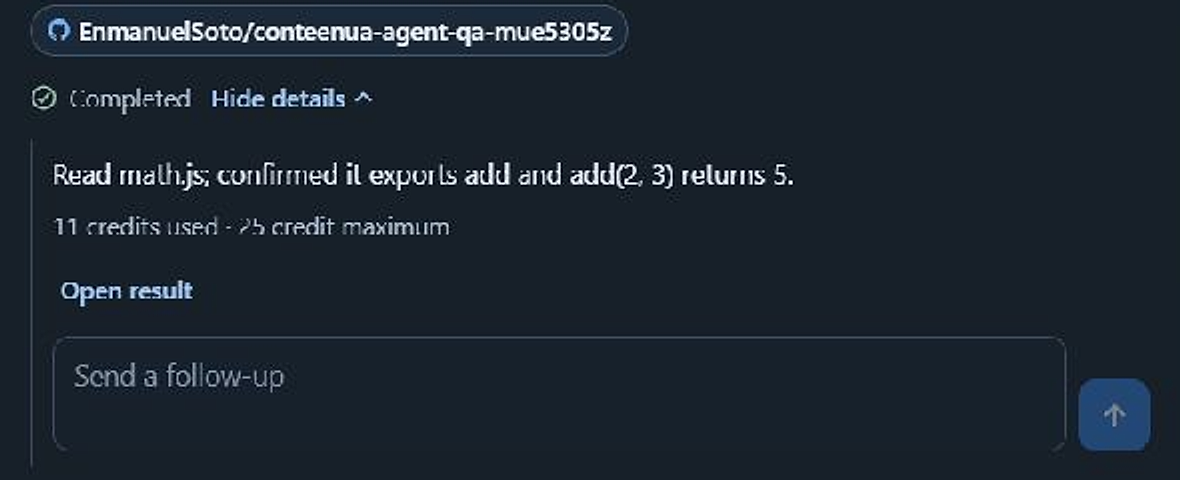
Conteenua works on a protected branch, runs tests and checks, and brings the result back as Ready to apply. A nontechnical user does not have to understand branches, commits, or pull requests.
USE YOUR OWN CHATGPT
Install Conteenua Companion once, approve the repositories you want to expose, and control a normal ChatGPT coding conversation from Conteenua web or mobile. Your repository and terminal stay on your computer.
Requires a ChatGPT account or workspace with Developer mode and writable MCP App tools.
See Companion setup, privacy, and downloads

OPTIONAL AI
Notes, labels, Context, connected-account history, media attachments, manual publishing, calendars, scheduling, and the Use your own ChatGPT coding path do not require Conteenua AI credits. Spend the shared balance only when you choose Conteenua-managed AI work.
$0
$14.99/ month
One-time credit packs can be used without a monthly subscription. Confirm the current amount in checkout before purchasing.
Coding actions use a credit ceiling. Work stops or pauses at a safety limit; provider usage may be reported with a delay.
Start with a note. Add context only when it makes the next step easier.
Start a note